
How it works
read@sea has two components
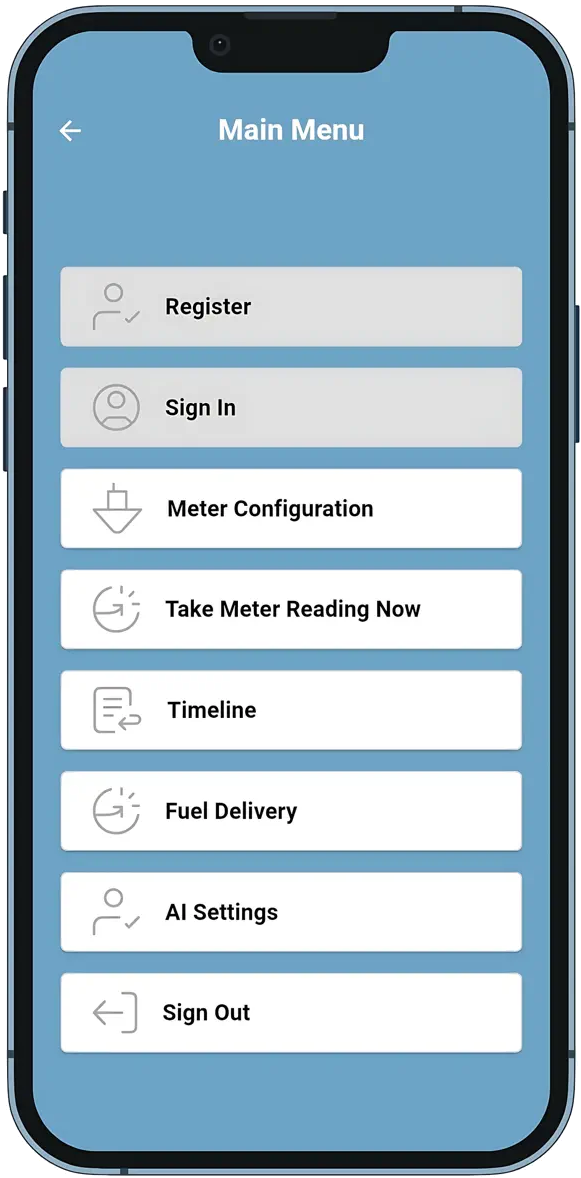
read@sea ONBOARD APP
- Downloaded from Google Play or Apple’s App Store
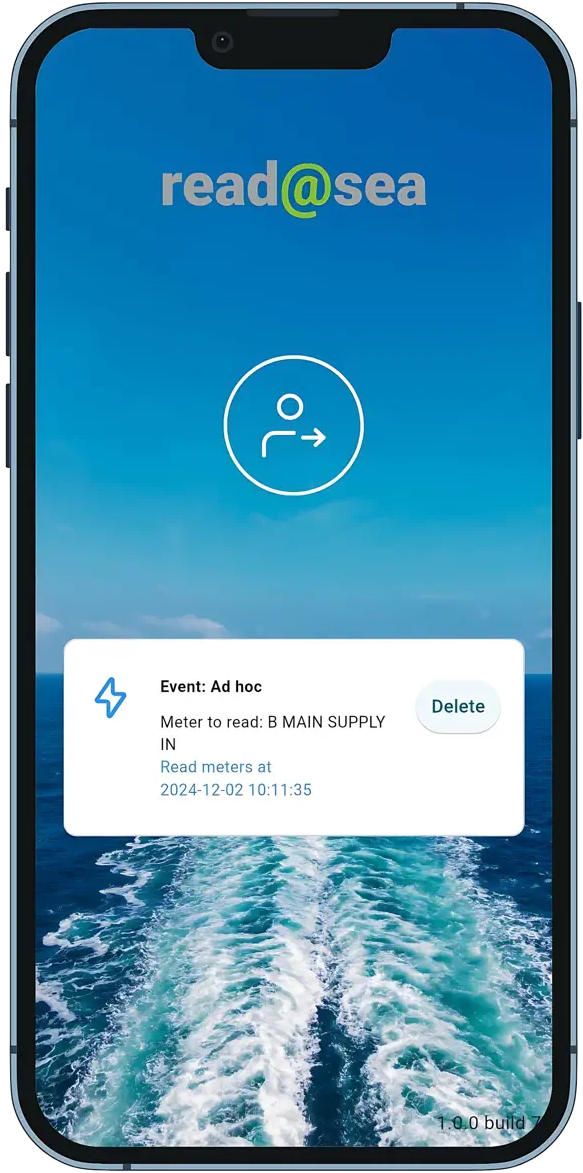
- Schedules Reporting, Ad-Hoc, and Emissions notifications that trigger meter readings
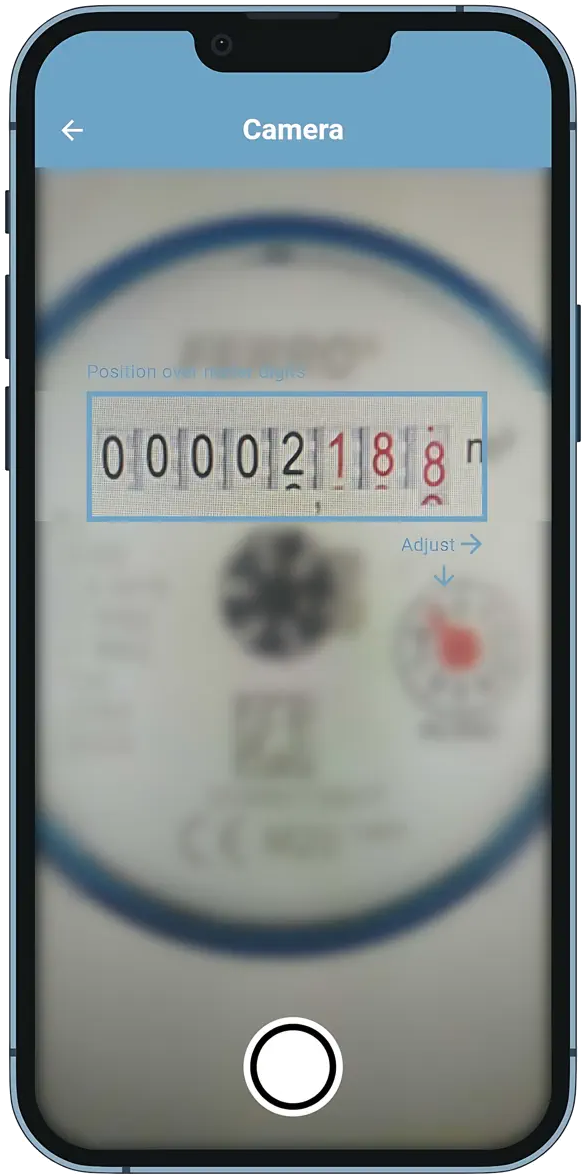
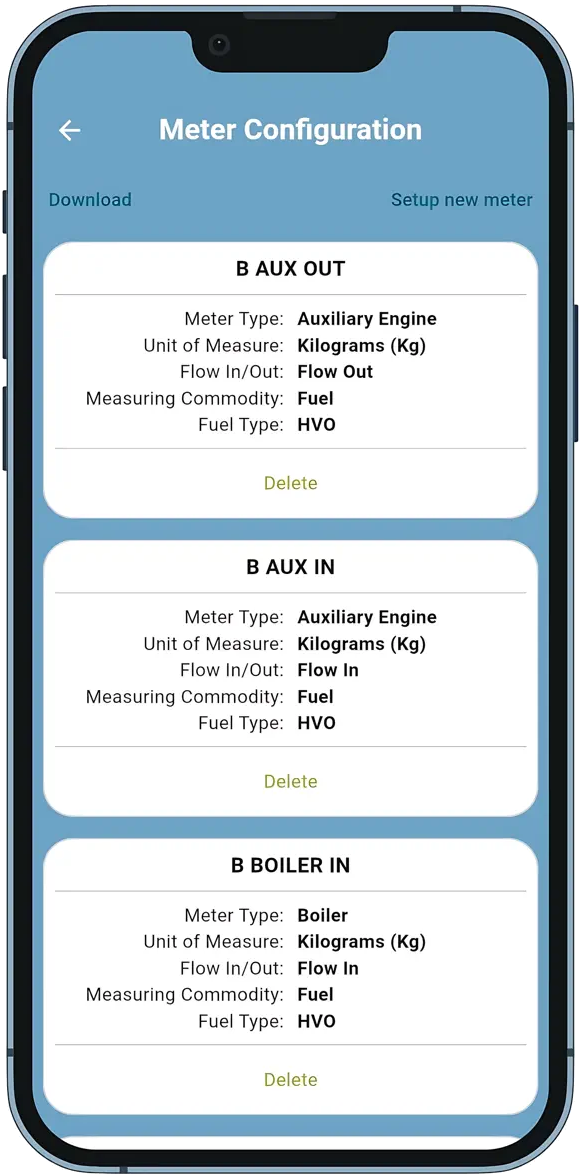
- Records each fuel meter reading and fuel properties (e.g. density)
- Captures bunker delivery receipts and uses AI to convert meter images into data
- Validates that data, requests onboard user’s approval, encrypts and uploads securely
read@sea CLOUD SERVER
- Performs second-stage AI verification on audit images to identify discrepancies with app data
- Allows shore-based users to configure, validate, and adjust onboard app configurations
- Provides templates to configure and download verified performance & emissions reports
- Tracks vessel data quality and manages access rules (including for Charterers)